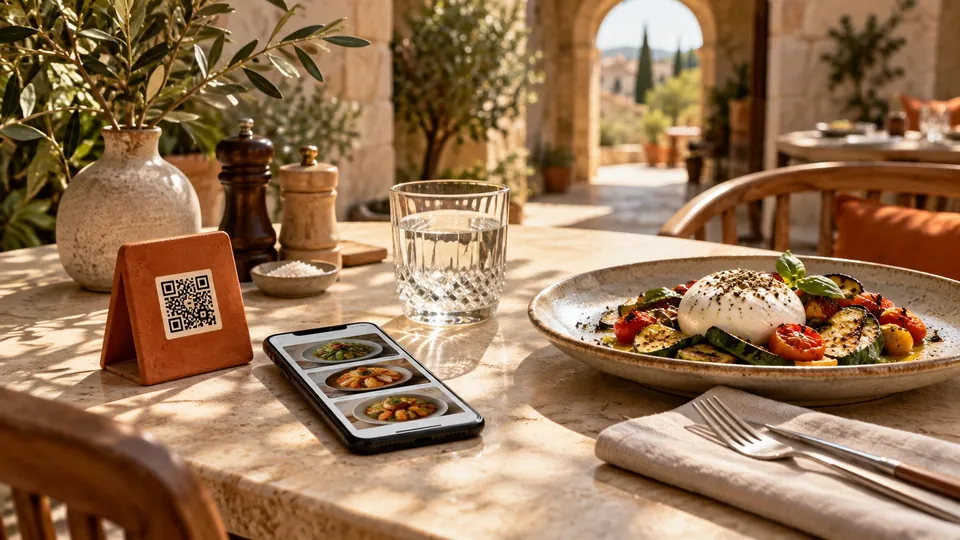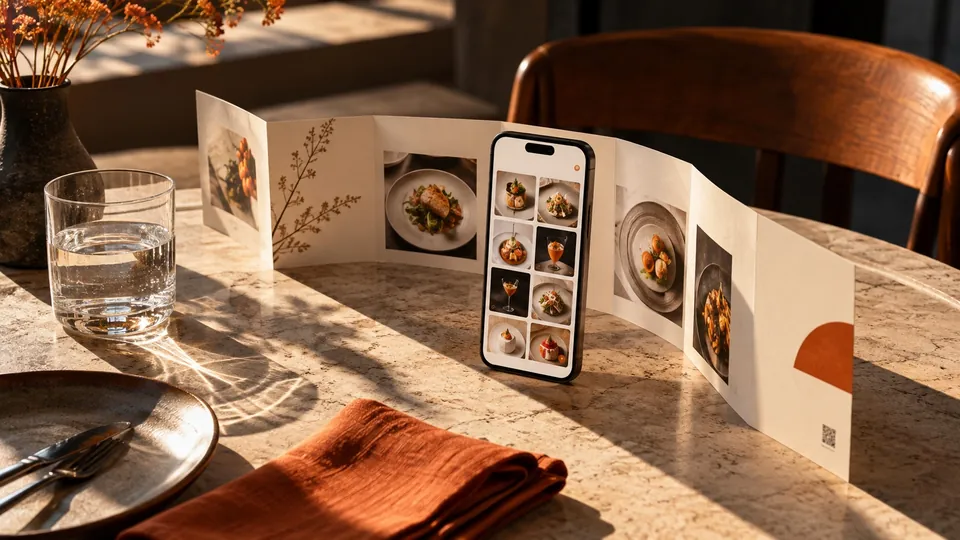
Putting a PDF behind a QR code is often the quickest way to get a menu online. You already have the artwork, the prices are approved, and a file can be uploaded in minutes. For some venues, that is a reasonable starting point.
The question is what happens after the scan. A printed page and a phone screen are different reading surfaces. Before deciding whether to keep a PDF or move to a web-based menu, compare the experience at the table and the work required to keep it accurate.
The QR code is only the entrance
Both a PDF menu and a web menu can be opened through a QR code. Calling one of them a "QR menu" does not, by itself, describe what the guest will see.
A PDF preserves a page layout. A web menu can rearrange content to suit the available screen width. It can also present dishes as individual entries, which makes features such as categories, search and item details possible when the platform supports them.
This is a useful distinction when comparing suppliers. Ask to open the actual guest-facing menu, not just a picture of it. Scan the example on your own phone, navigate it, and check what editing an item would involve for your team.
Read one dish without adjusting the screen
Start your comparison with a simple task: find a main course, read its description, and check its price. On a densely designed PDF, that may involve zooming in and moving sideways. A carefully prepared, short PDF may be perfectly readable. Test the actual file rather than assuming either outcome.
A responsive web menu can give text a consistent reading size and place prices beside the dishes they belong to. However, a web page can also be poorly designed. Tiny text, cluttered cards and intrusive promotions create problems regardless of the format.
Ask a colleague who did not build the menu to complete the same task. Watch where they pause. Their hesitation is more informative than whether they describe the design as modern.
Follow a normal menu change from beginning to end
Imagine changing the price of a sandwich. With a PDF, the process might include editing the original artwork, exporting a new file, replacing the old version and checking the public link. If your workflow already makes that simple, acknowledge it.
A structured menu can let you edit the sandwich directly. The advantage depends on how publishing, permissions and updates work in the chosen system. Ask for a demonstration of the entire process, including what guests with the menu already open will see.
There is also an address question. A printed QR code can remain useful while menu content changes if its destination stays stable. Replacing a file at a different address, or losing access to a redirect service, can break that arrangement. Record who controls the destination and what happens if you change providers.
Compare the information guests need
A PDF can display prices, descriptions and allergen information. A web menu may offer extra ways to reach that information, such as opening a dish or narrowing a category. Neither format makes inaccurate content correct.
List the questions your team hears repeatedly. Are guests asking which dishes are available at lunch? Whether a plate is meant for sharing? What comes with a coffee? Use those questions to decide which structure would help.
Avoid buying complexity you will not maintain. A restaurant with a short, stable menu may value a clean presentation above extensive filtering. A café that changes pastries daily may care more about quick availability updates. Match the tool to the routine, not the longest feature list.
Keep the strengths of paper
Digital and printed menus can coexist. A paper menu is useful for guests who prefer it, and a well-maintained copy gives staff another way to explain the offer.
The challenge is consistency. If both formats are in circulation, someone must decide when a digital change also requires a paper change. Adding a new price online while leaving old printed prices on tables creates a service problem that the choice of technology cannot solve.
Consider keeping a simple print version with a clear internal revision date. Use it as part of the same update process as your digital menu. Do not describe a backup as current unless somebody has checked it.
Decide with a small trial
Rather than rebuilding everything immediately, compare both options using one real section of your menu. Include a popular dish, a long name, a price variation and an unavailable item. Those examples expose more than a demo containing only perfect short entries.
Try the trial on mobile data as well as venue Wi-Fi. Check the time it takes to reach useful content, whether a file download interrupts the flow, and how easily a guest returns to browsing after reading details. These are observations to make on your own setup, not promises attached to a format.
If the web version makes choosing clearer and the team can maintain it, you have a practical reason to change. If a short PDF currently does the job, identify the specific improvement you need before moving.
Open the Qarc template alongside your existing menu and compare the same guest tasks. When you are ready to discuss your venue, talk to Qarc with the menu you already use.